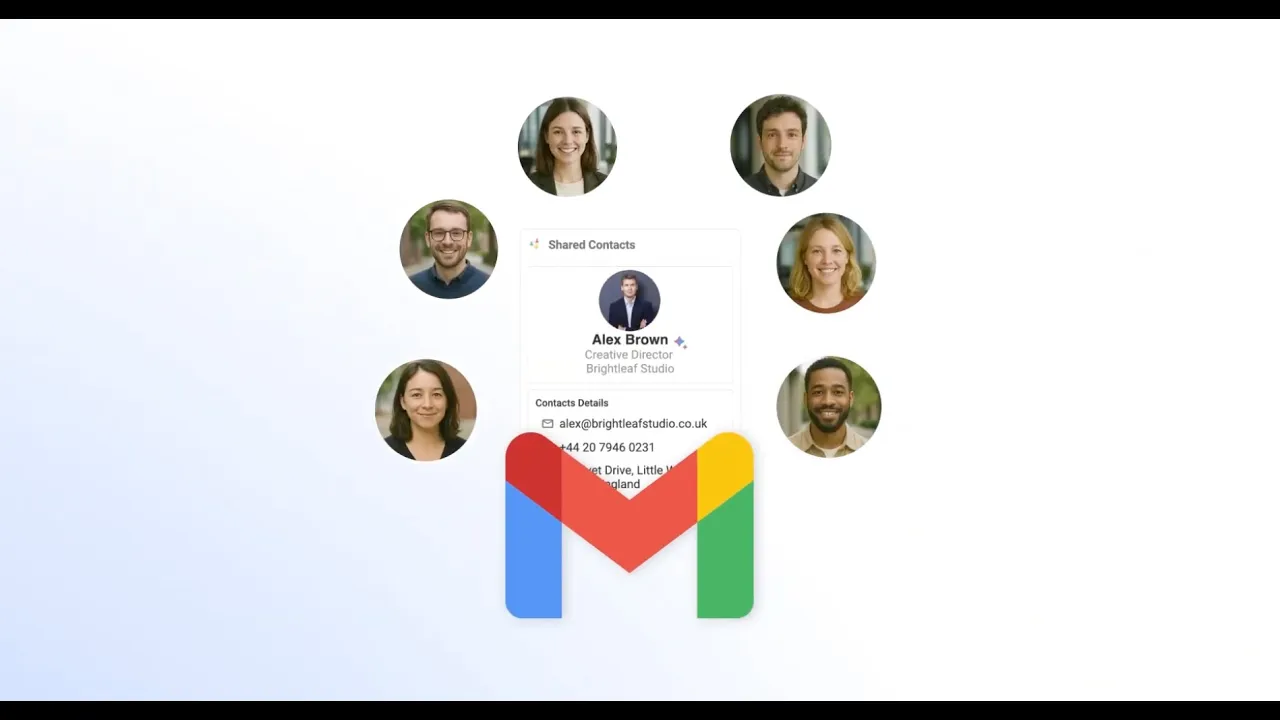
An Enterprise-Ready solution
for Google Workspace Administrators
AI-Assisted Contacts creation
and updateS
An Enterprise-Ready solution
for Google Workspace Administrators
A single dashboard for your organization's contacts
A Single Dashboard
for your organization contacts
A Single Dashboard for
your organization contacts
Take full control of your organization's contacts
Take full control of your organization's contacts
Sync with 6,000+ apps and platforms :
Sync with 6,000+ apps and platforms :
Sync with 6,000+ apps and platforms :







“ContactsFlow™ has been essential for managing access to both user directories and external contacts. It helped us stay organized, secured and achieve compliance effortlessly.”
“ContactsFlow™ has been essential for managing access to both user directories and external contacts. It helped us stay organized, secured and achieve compliance effortlessly.”
John - IT Administrator
@T-Mobile
John - IT Administrator
@T-Mobile













Google Premier Partner
4,9/5
on Google Marketplace

SOC2, GDPR,
Privacy Acts compliant

Secure your contacts data and be compliant
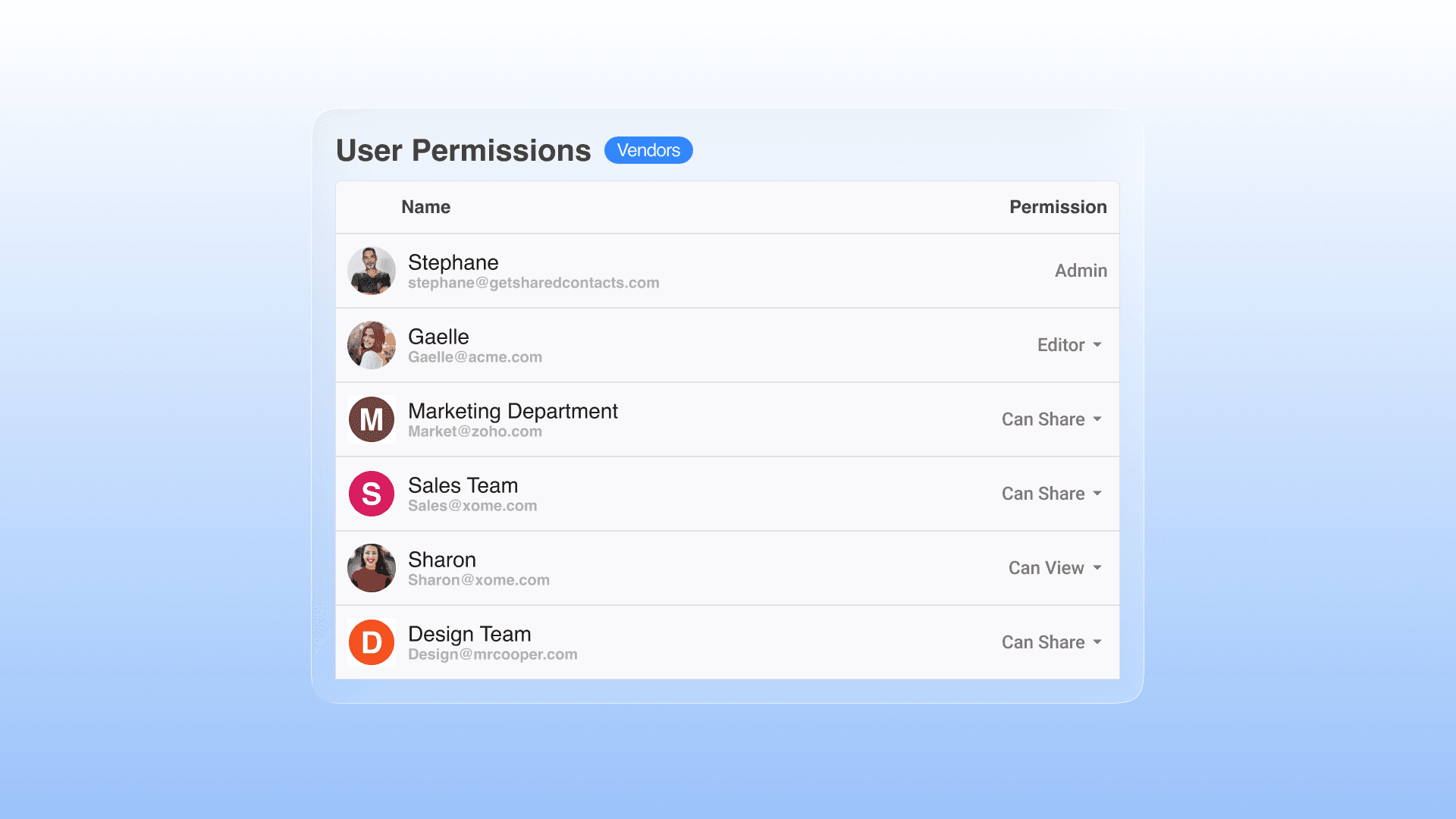
Set permissions and share
Assign granular permissions to your shared contacts lists. Grant access levels (View Only, Editor etc.) and set mobile synchronization to users or group of users.
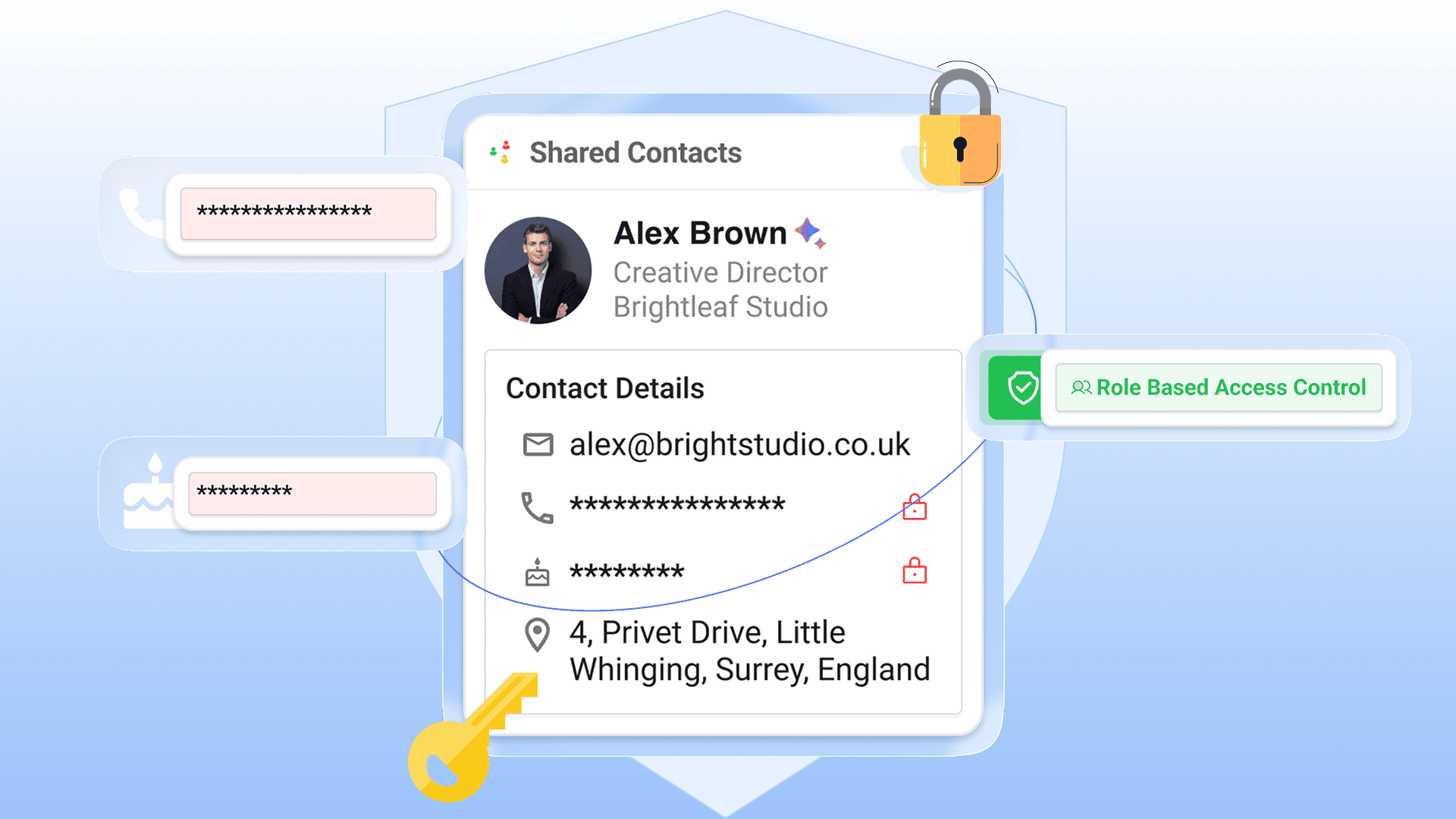
Define who can access which field
Protect your contacts privacy by authorizing specific fields to some users only.
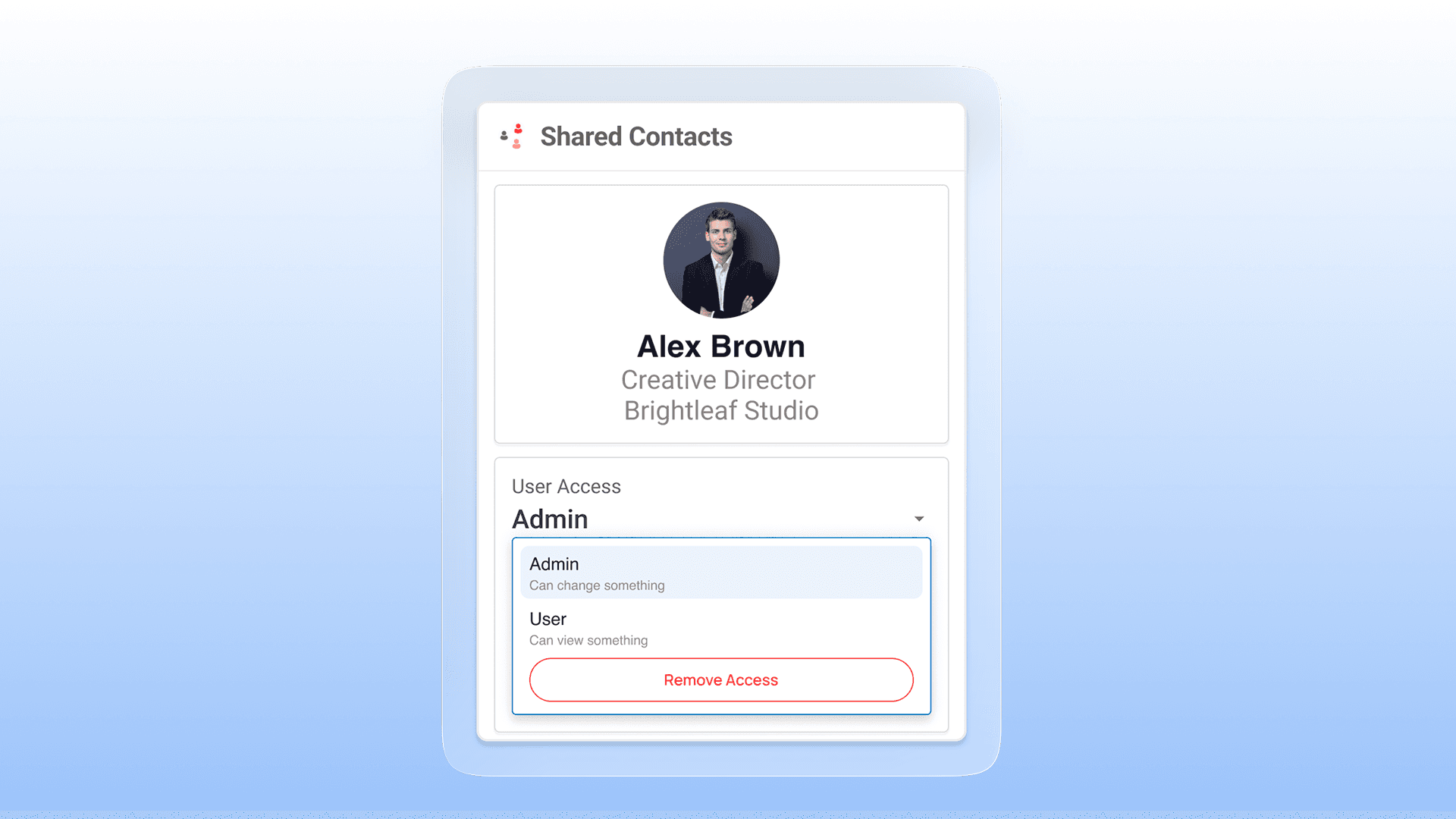
Revoke access in one click
Revoke the synchronization of shared contacts from user accounts and mobile devices with a single click, which is ideal for preventing data loss when an employee leaves the company with the client database.
We keep your data safe, private and secure.
With ContactsFlow™ all the informations your share are always yours.
Certified GDPR and SOC-2 compliance, we will never use your data.
With Shared Contacts all the informations your share are always yours. Certified GDPR and SOC-2 compliance, we will never use your data.

SOC2
Compliance
SOC2
Compliance
GDPR
Compliance
GDPR
Compliance

Hosted and Stored in EU
Hosted and Stored in EU

EU / US
Privacy Shield
EU / US
Privacy Shield

EU AI act
Compliant
EU AI act
Compliant
Download Contacts Flow™ everywhere :
Download Contacts Flow™ everywhere :




Google Workspace
Directory Management
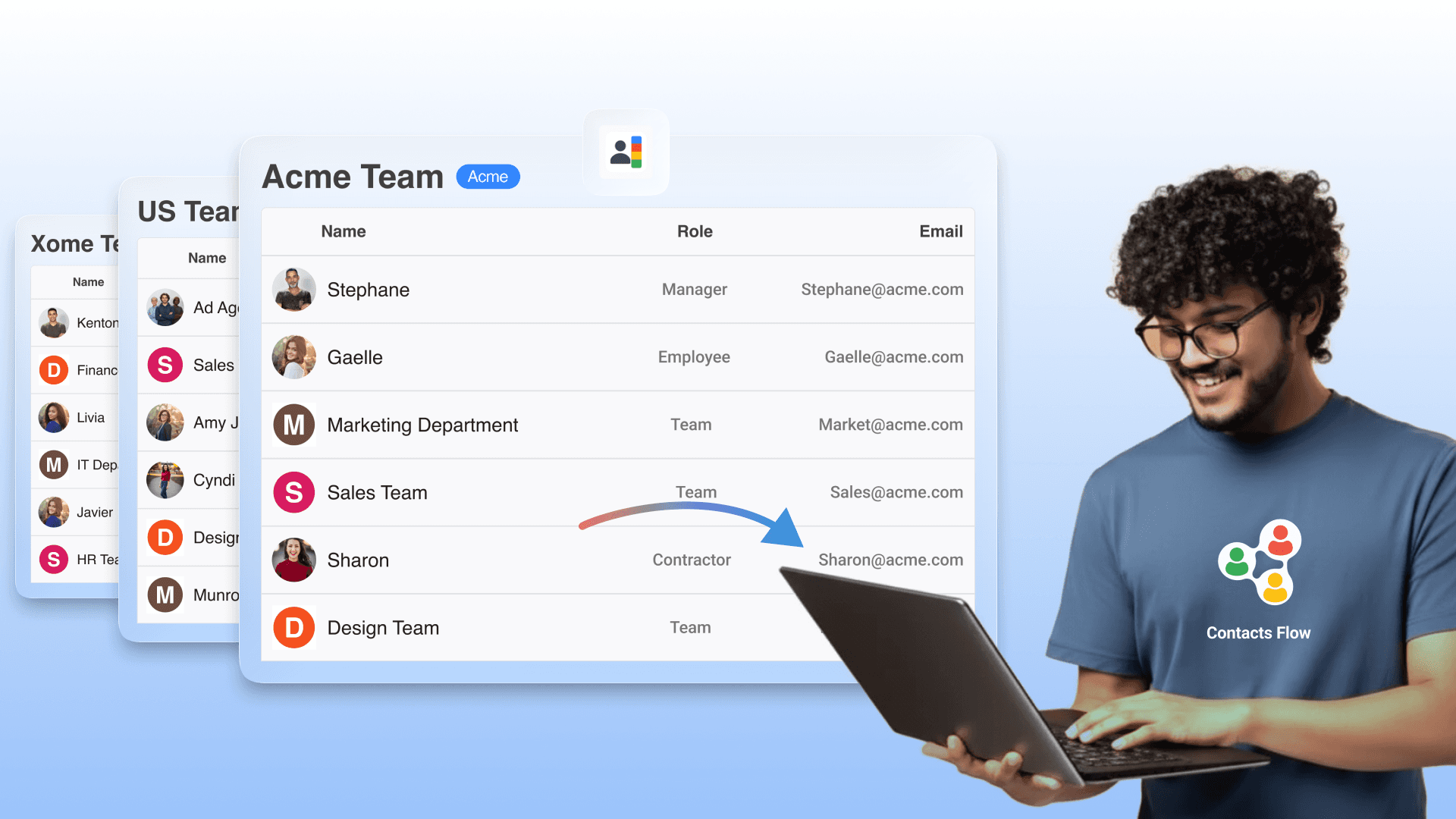
Full Management of your directory contacts
Manage extensive contacts details of your directory contacts from one dashboard. Delegate the management of specifics OUs even to non-admin or external users.
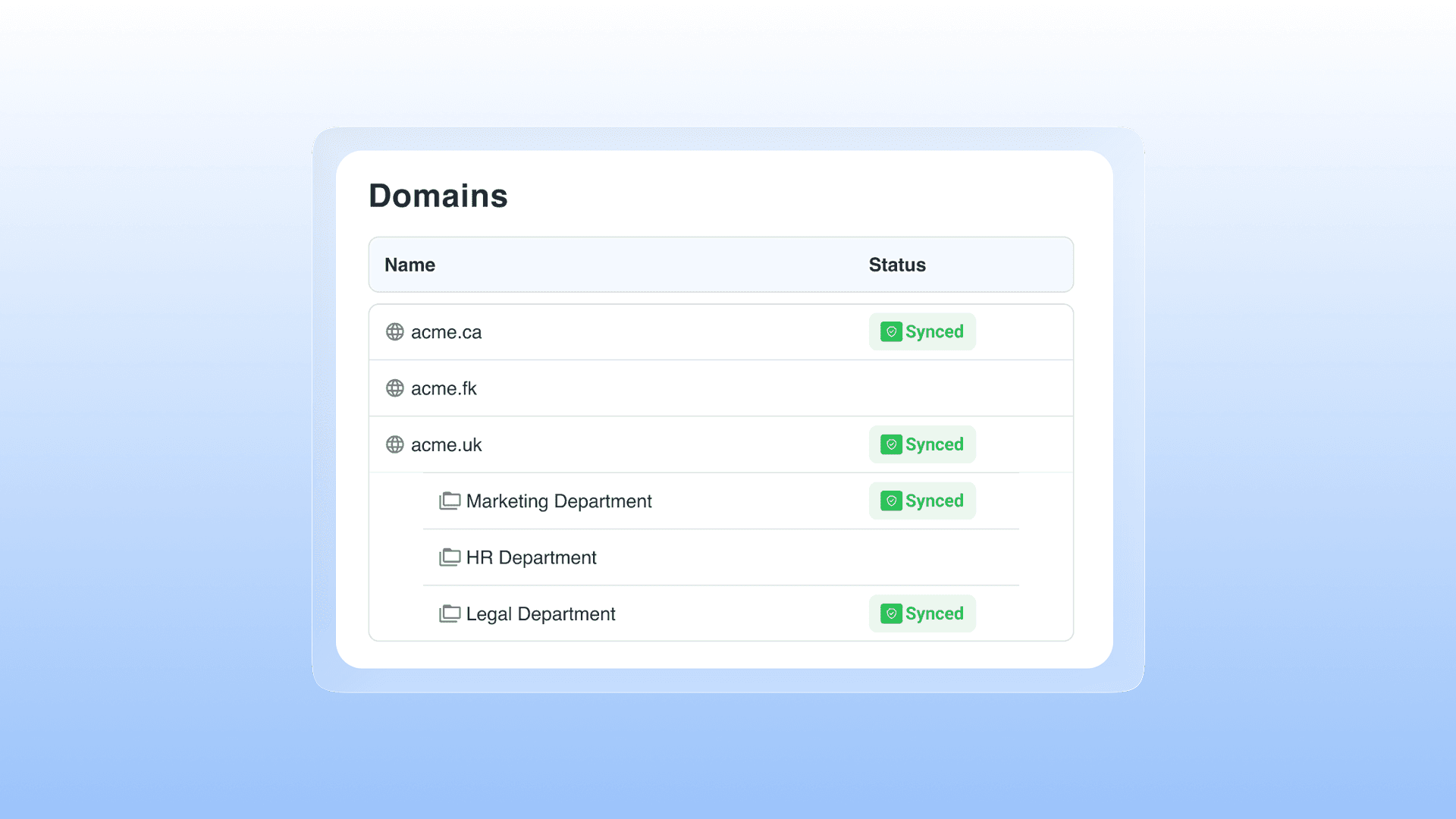
Select which directories or OUs to sync with your team contacts.
Ensure that your team have access to the right contacts from the right organizations, and manage synchronization with their mobile devices. You can also sync your users contacts with other Google Workspace directories you manage !
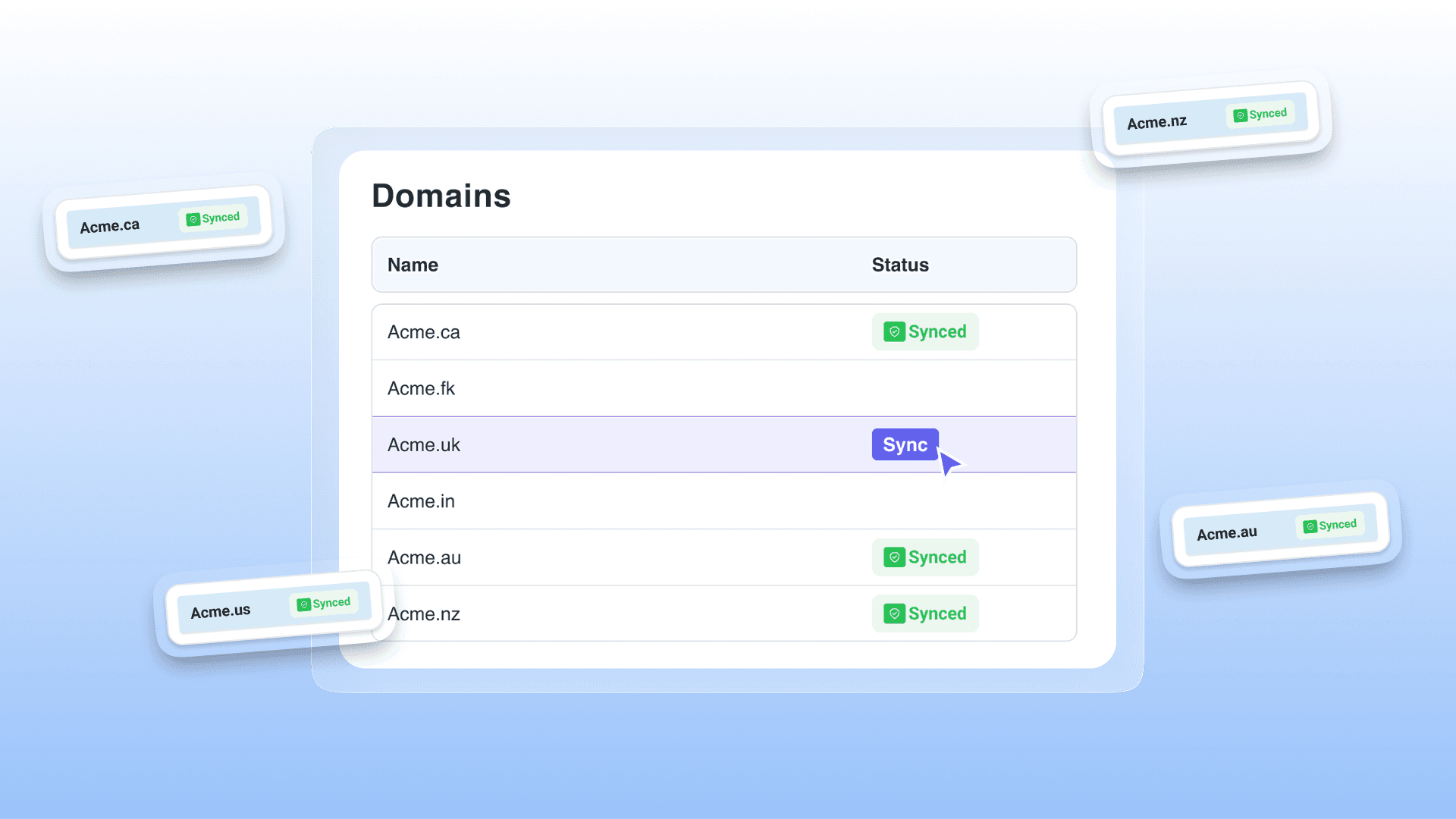
Manage and share multiple Workspace directories from a single place
If your organization has handles Google Workspace domains, you can manage them all from the ContactsFlow™ dashboard and share them with the users of your choice.
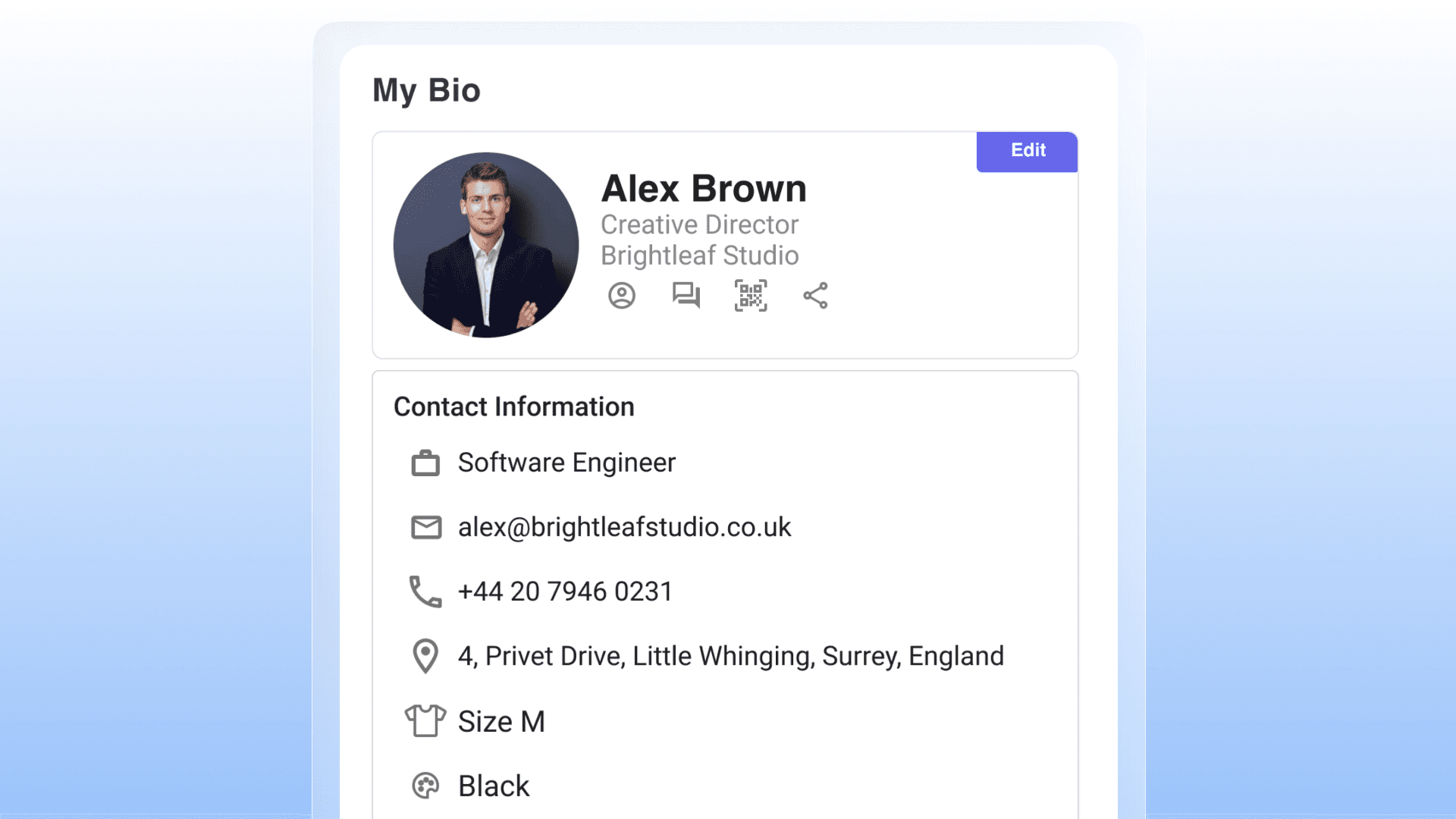
Let users update their own directory profile
Delegate to everyone ! Let users maintain their directory profile to have an always accurate -and subjective - directory.
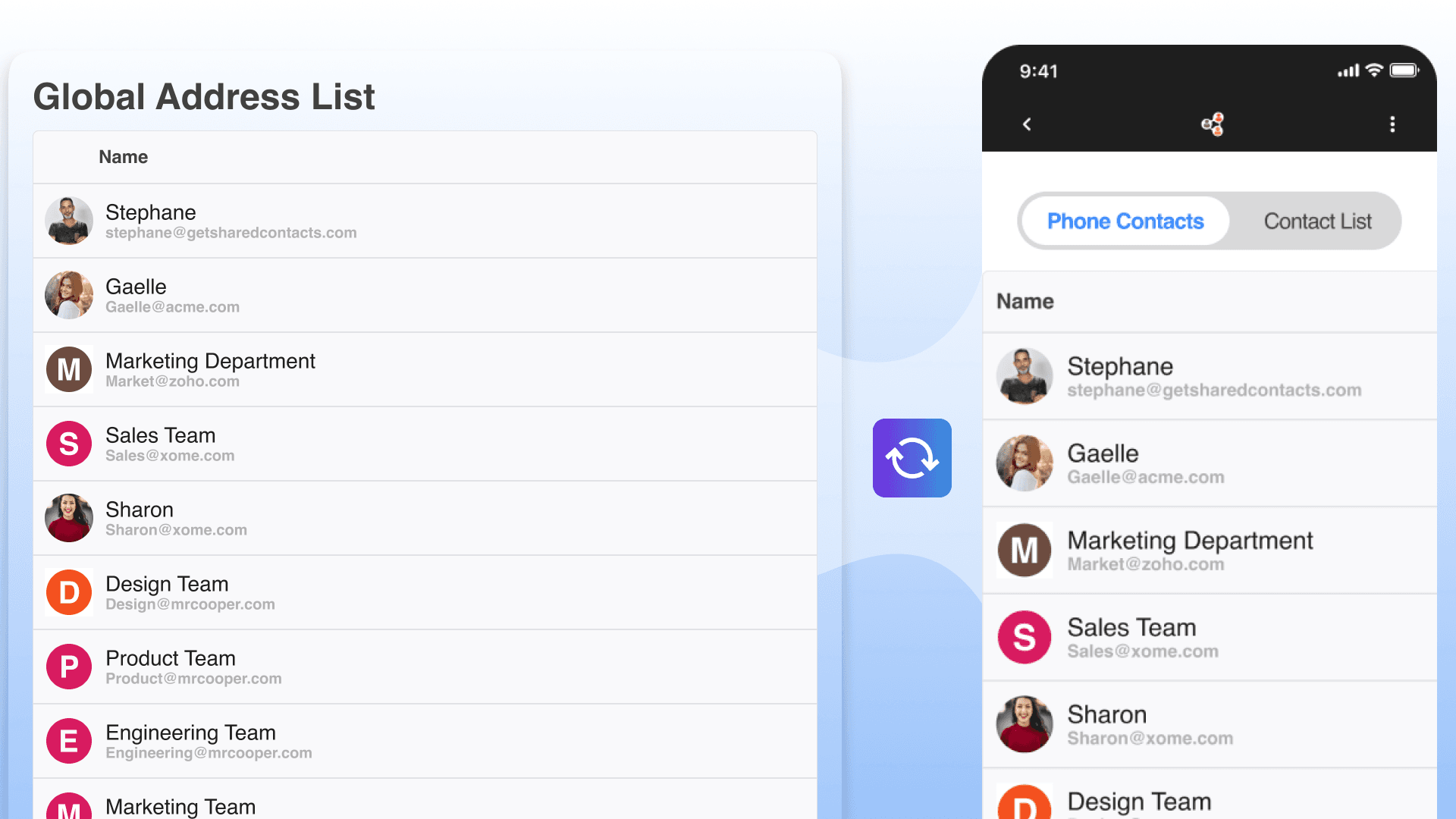
Active Directory/LDAP Synchronization
We synchronize your LDAP server with Google Workspace and the mobile devices of your users.
Full Management of your directory contacts
Manage extensive contacts details of your directory contacts from one dashboard. Delegate the management of specifics OUs even to non-admin or external users.
Select which directories or OUs to sync with your team contacts.
Ensure that your team have access to the right contacts from the right organizations, and manage synchronization with their mobile devices. You can also sync your users contacts with other Google Workspace directories you manage !
Manage and share multiple Workspace directories from a single place
If your organization has handles Google Workspace domains, you can manage them all from the ContactsFlow™ dashboard and share them with the users of your choice.
Let users update their own directory profile
Delegate to everyone ! Let users maintain their directory profile to have an always accurate -and subjective - directory.
Active Directory/LDAP Synchronization
We synchronize your LDAP server with Google Workspace and the mobile devices of your users.
Rich Contacts with custom fields
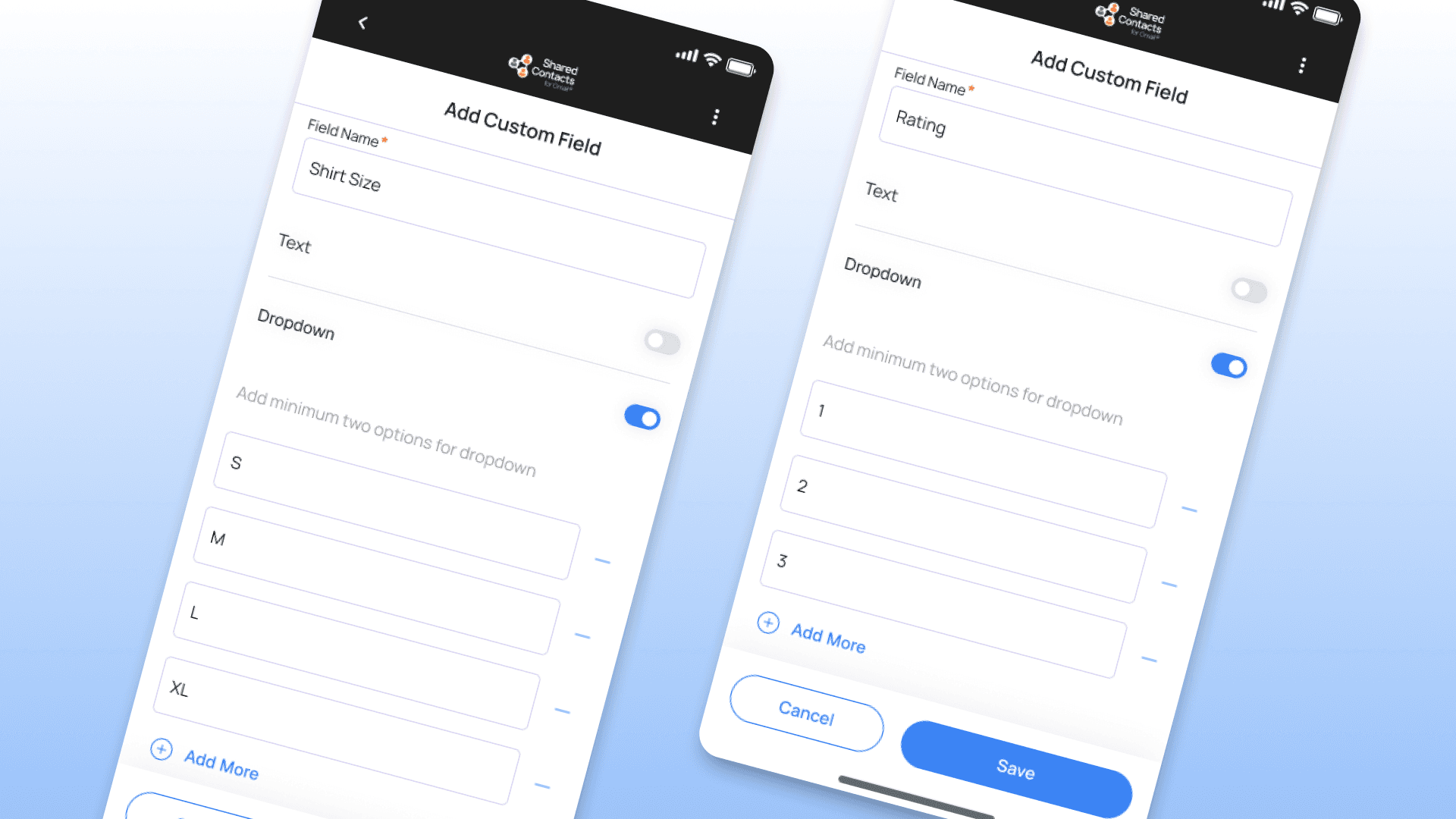
Personalize your contacts cards
Store all the information you want about your contact in an organized and controlled way with custom fields. Define fields (text or dropdown) that can be filled when creating or updating contacts. These fields can also be mapped with your CRM your website forms, or external applications.
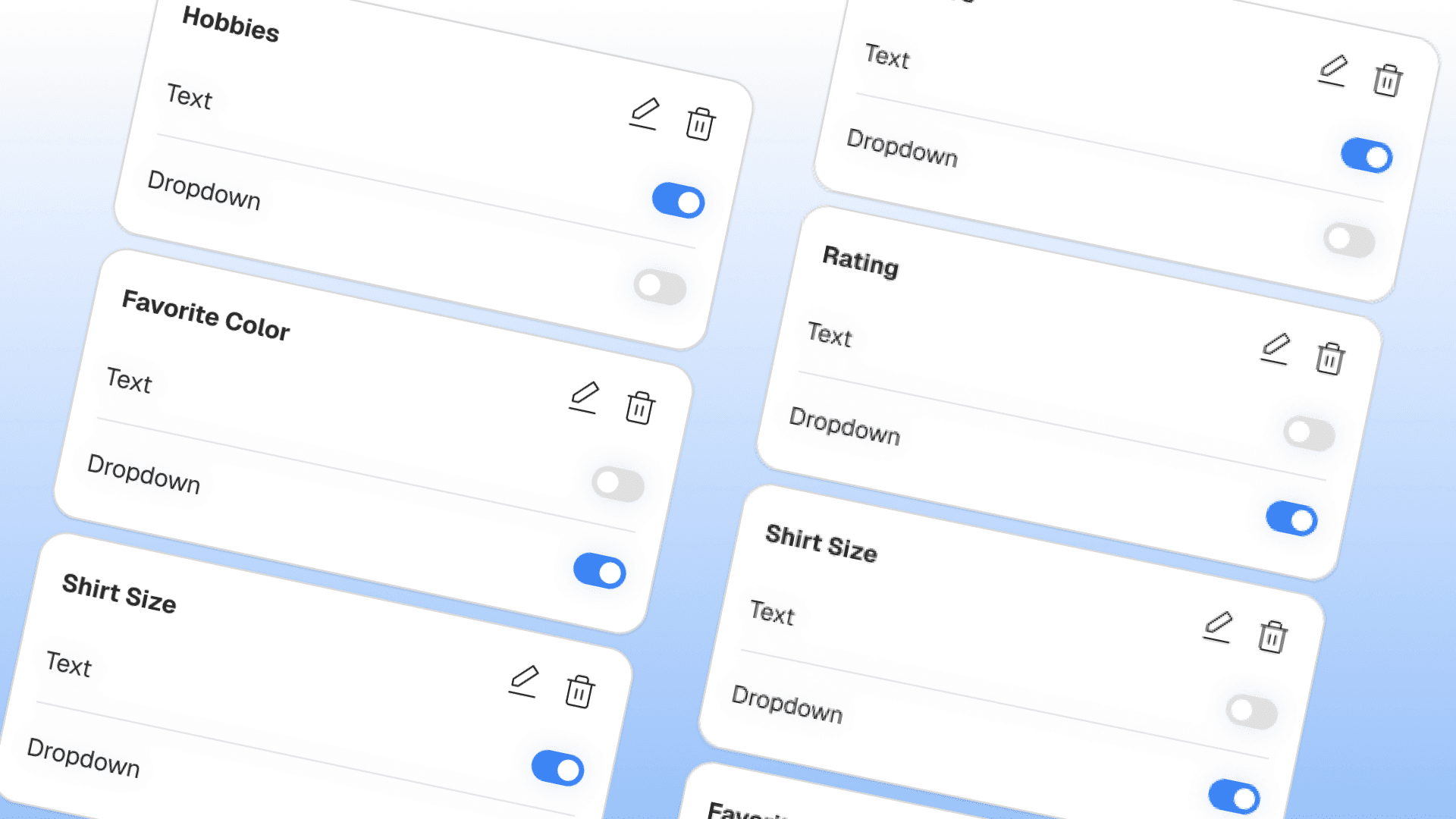
Define a Contact template with custom fields.
Set-up custom fields for your all contacts to store information tailored to your organization (Customer ID, starting date, favorite color, shoe size etc.)
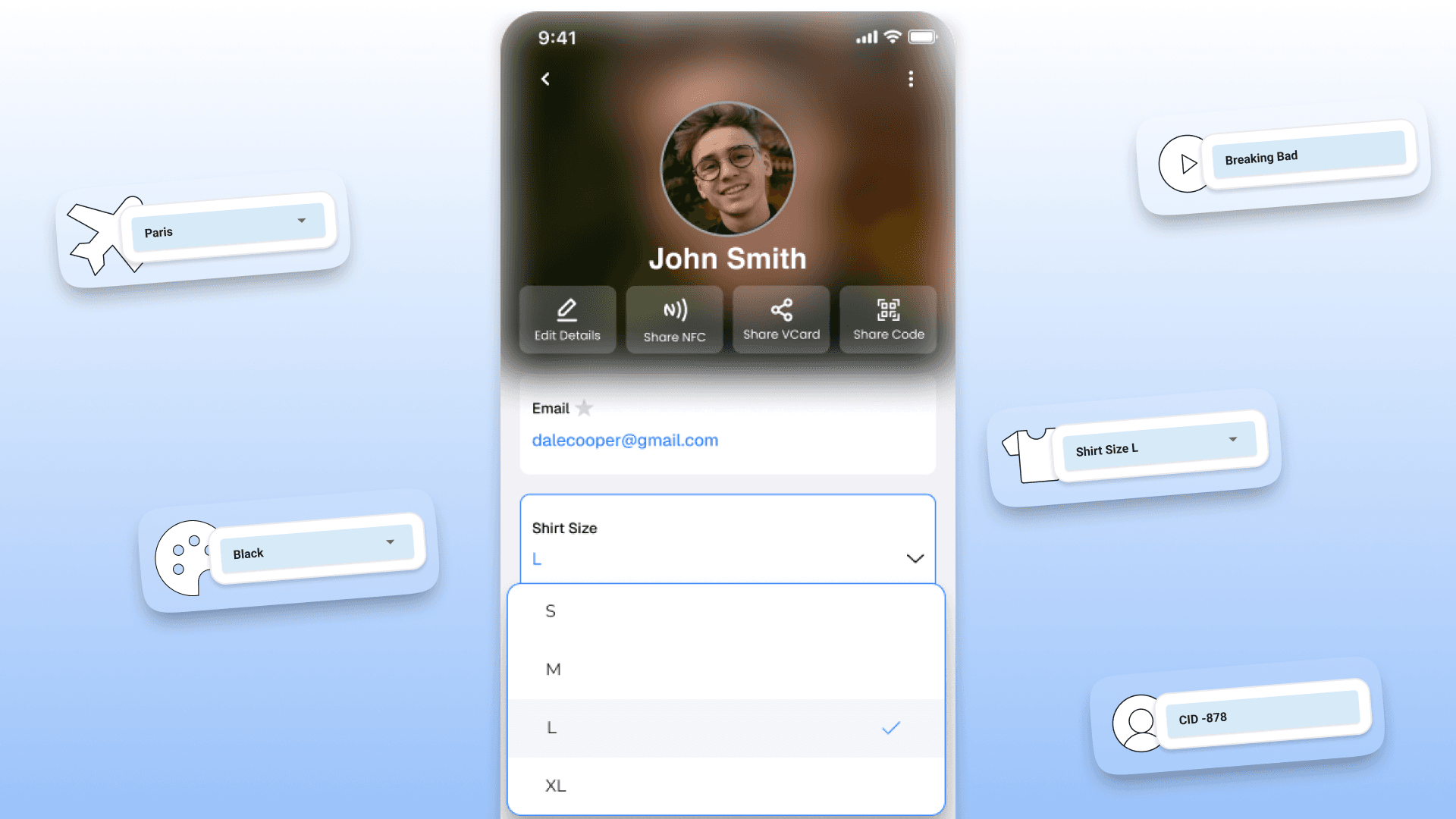
Presets option to select
Custom fields can be free text or dropdown with preset values. If you set a dropdown field, your users or ou AI agents will choose a value among the preset ones. Very helpful for target searches.
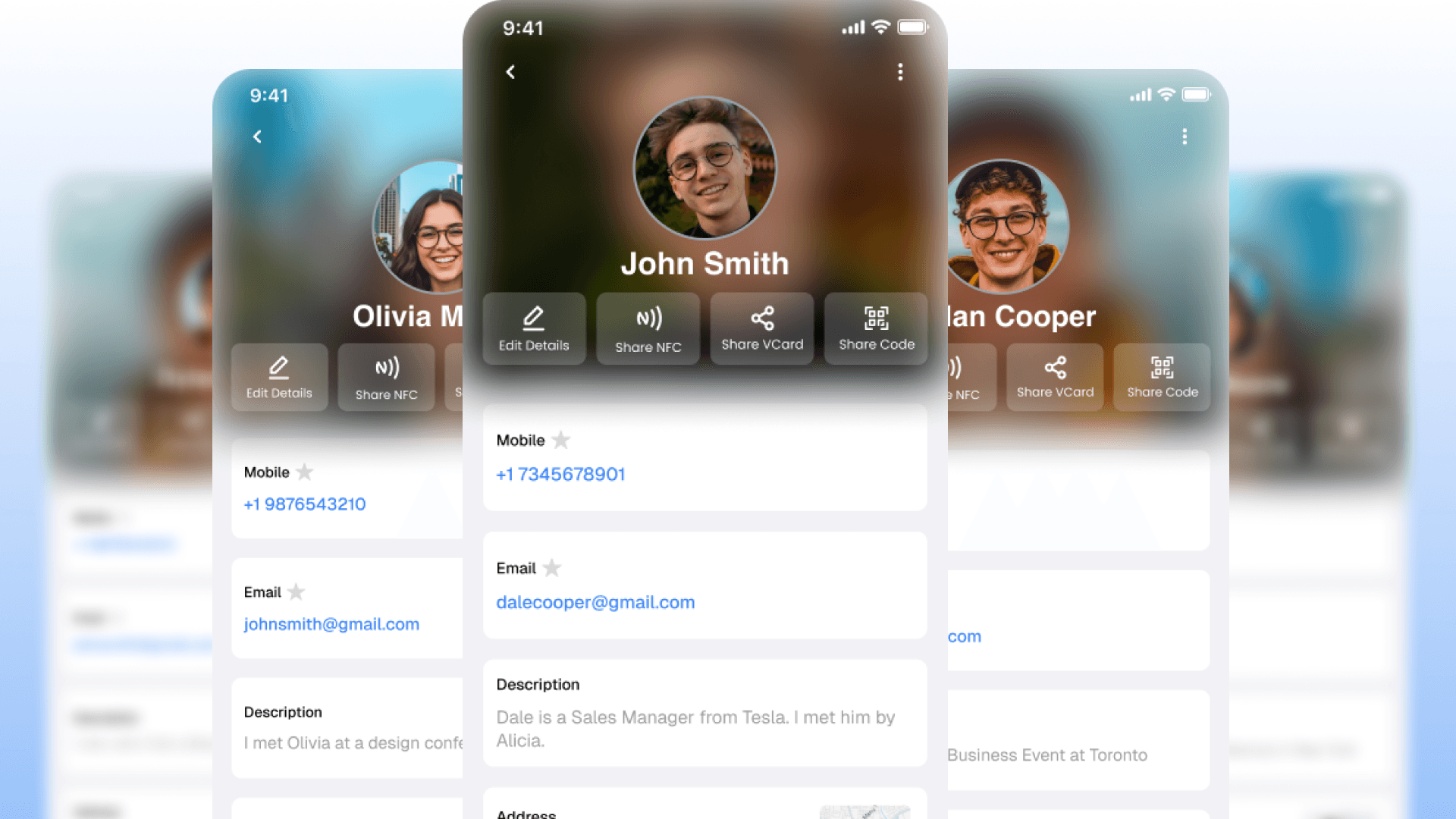
Homogeneous contact format for everyone
Custom Fields allow all contacts to have the same parameters, turning your address book into a mini-CRM.
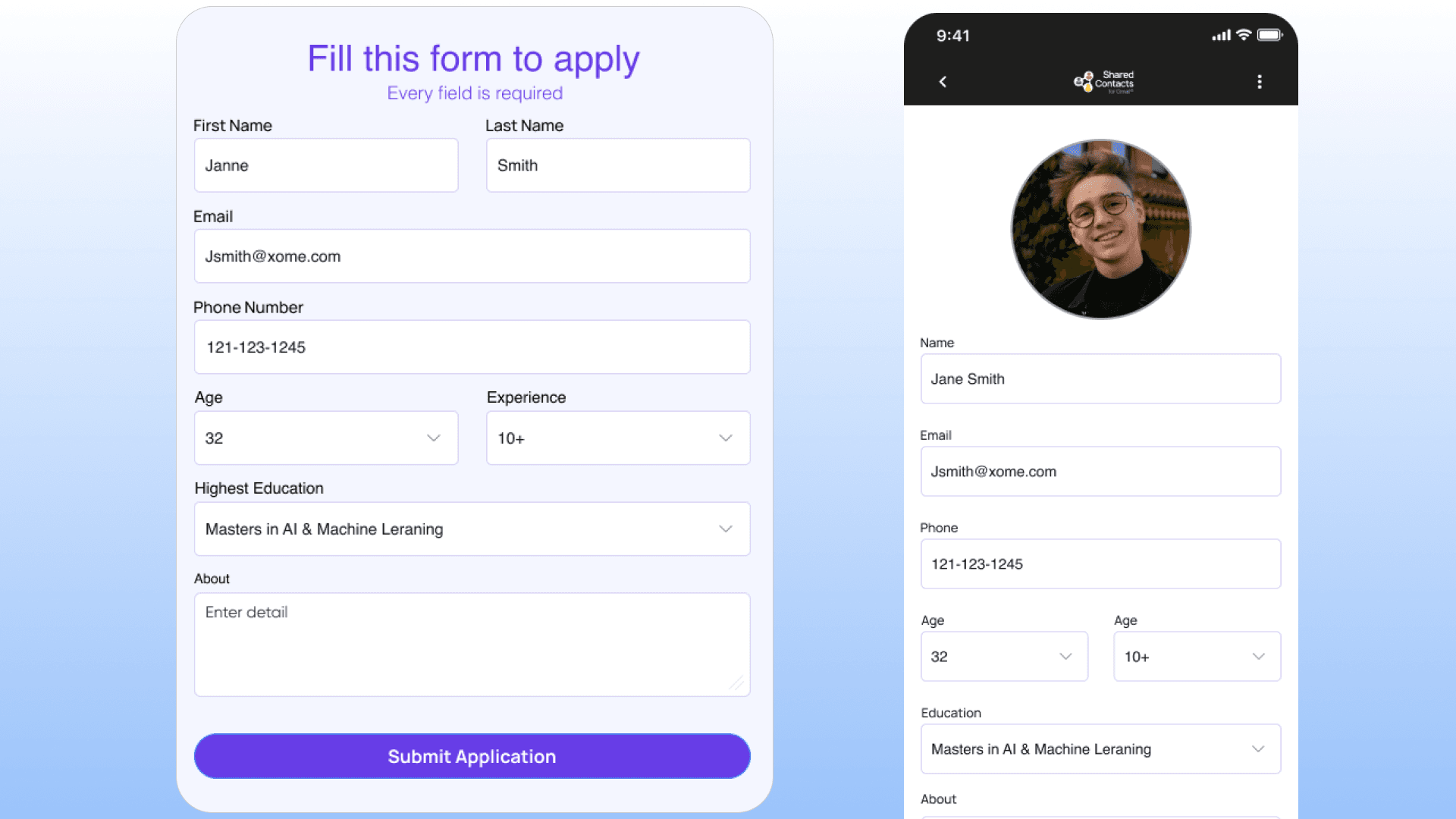
Capture every informations about your leads
Thanks to custom fields, capture comprehensive data set about your new leads.
Personalize your contacts cards
Store all the information you want about your contact in an organized and controlled way with custom fields. Define fields (text or dropdown) that can be filled when creating or updating contacts. These fields can also be mapped with your CRM your website forms, or external applications.
Define a Contact template with custom fields.
Set-up custom fields for your all contacts to store information tailored to your organization (Customer ID, starting date, favorite color, shoe size etc.)
Presets option to select
Custom fields can be free text or dropdown with preset values. If you set a dropdown field, your users or ou AI agents will choose a value among the preset ones. Very helpful for target searches.
Homogeneous contact format for everyone
Custom Fields allow all contacts to have the same parameters, turning your address book into a mini-CRM.
Capture every informations about your leads
Thanks to custom fields, capture comprehensive data set about your new leads.



Are you a
Google Workspace™ partner?

Useful links




Copyright®2026 | All Rights Reserved
powered by Tara Webdesign





Useful links
Copyright®2026 | All Rights Reserved
powered by Tara Webdesign
Useful links
Copyright®2026 | All Rights Reserved
powered by Tara Webdesign